
How to integrate Salesforce Lifecycle Stages with Marketing Automation to nurture leads
Recently, we had the pleasure of implementing a lead nurturing marketing automation program for one of our clients. The objective was to sync Act-On’s marketing list segmentation and list maintenance features with Salesforce and update the client’s CRM information to ensure their sales team always had the latest information on the status of their leads.
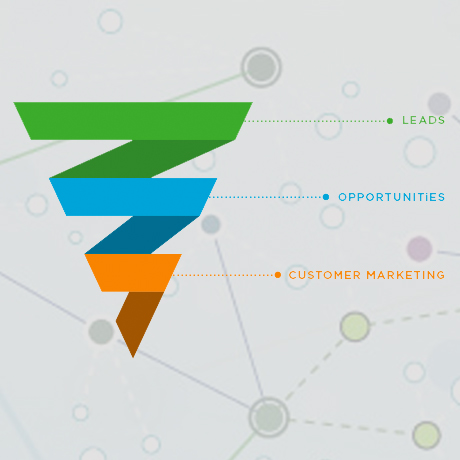
The client is a sophisticated Salesforce user and has several different customer “stages” with subsequent qualifying parameters. These lifecycle stages identify how hot or cold their leads are within their sales funnel. For example: if a customer opened a newsletter email, submitted a form, downloaded media, or any combination of the above – they would qualify for and be categorized as a “marketing qualified lead”.
The client wanted Act-On to take these leads, sort them automatically based on parameters and behaviours (which correspond to each Lifecycle Stage), and update the Lifecycle Stage value back into their Salesforce lists. As Marketing Automation Experts, this is where Goose Digital stepped in.
We first configured the proper Push / Pull sync values within Act-On to and checks Salesforce (including pulling custom values set within Salesforce). Then we created the proper segmentations for their marketing lists in Act-On, identifying the leads and contacts that belonged to each Lifecycle Stage. Next, we created List Maintenance programs that combed through each segmentation which check to see if each lead or contact had met the qualification requirements to be pushed through to the next Lifecycle Stage.
Each List Maintenance program would run daily, and after the lead or contact was updated with the new Lifecycle Stage value, they would then be synched back to Salesforce on the client’s side.
With this powerful marketing automation program in place, our client can easily see how hot or cold each lead or contact is in their CRM, and decide the next appropriate action (additional nurturing, prioritize a sales call, etc.).